
6/21/2026 Admin
Making A Guided Animated Tour For A Blazor App
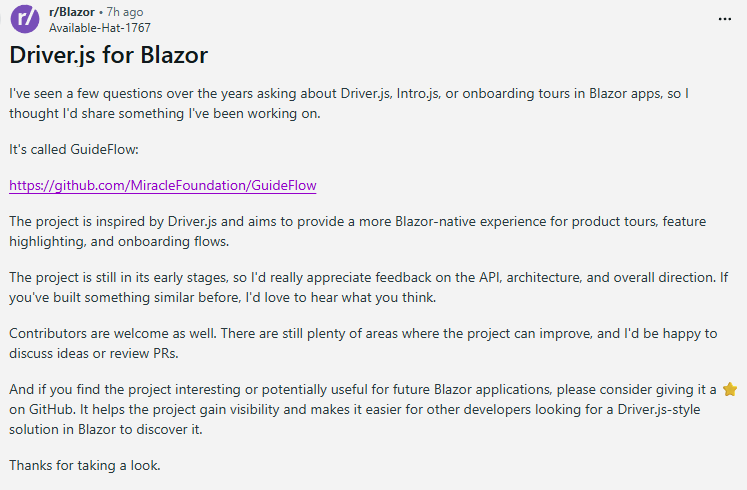
On Reddit I saw the following post:
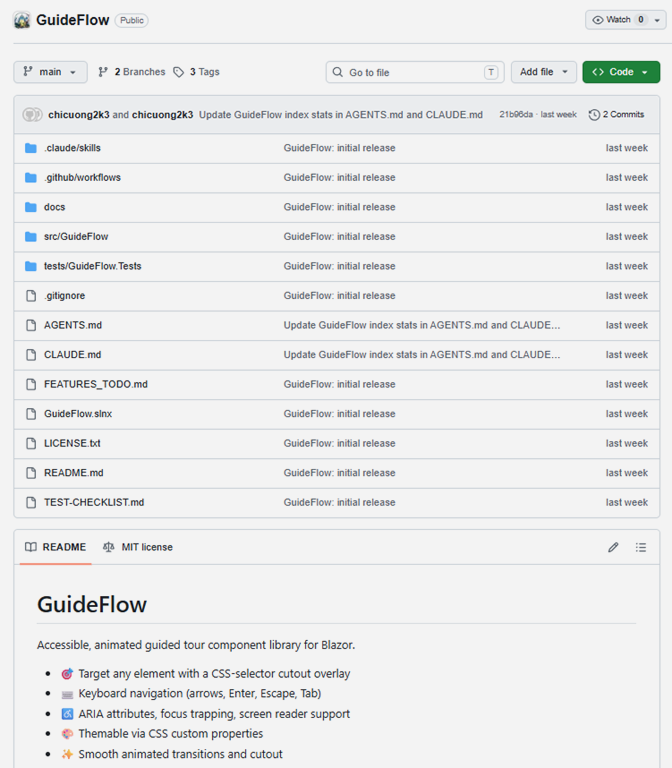
The Github project is at:
https://github.com/MiracleFoundation/GuideFlow
The project has excellent documentation:
https://miraclefoundation.github.io/GuideFlow/
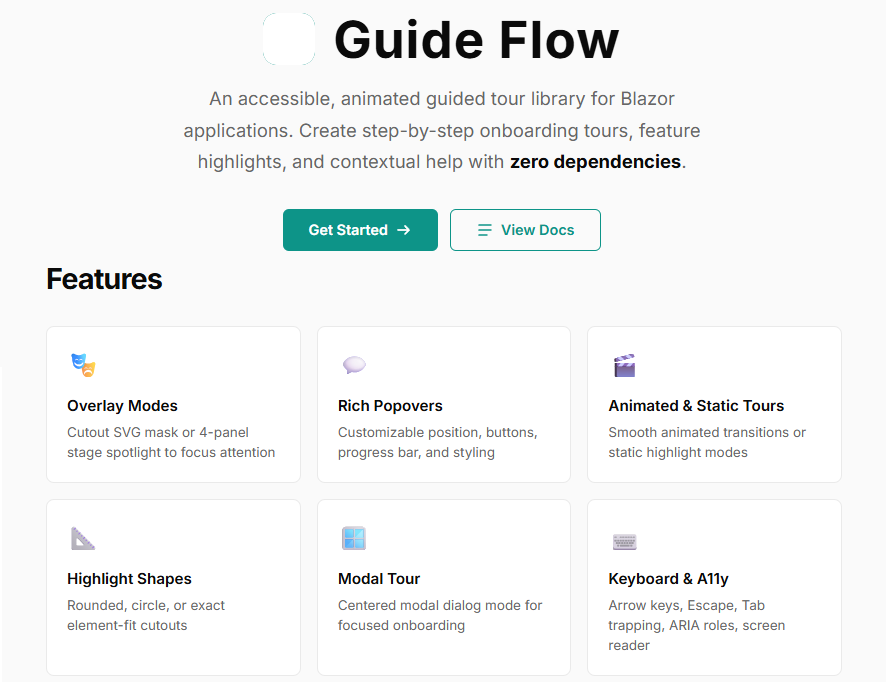
These days good documentation is all you need to supply your AI with the information it needs to leverage any library or tool.
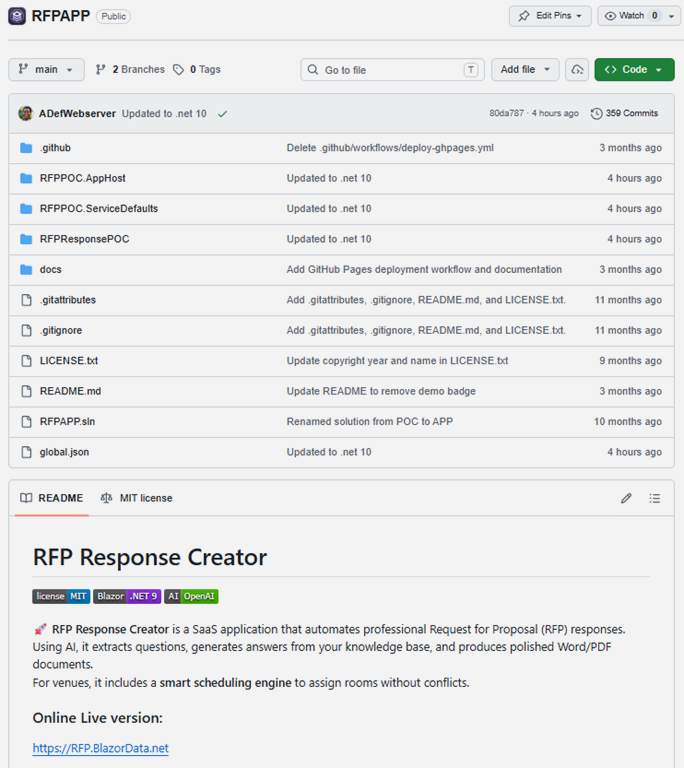
I decided to make a guided tutorial for my Blazor RFP Response Creator app located at: https://github.com/BlazorData-Net/RFPAPP

Even though I like to use Visual Studio for writing and debugging my code, I find that Visual Studio Code is much better when writing code with AI.
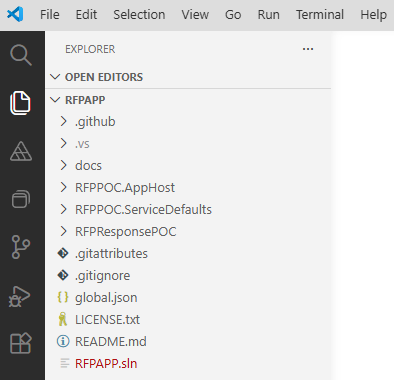
So, I open it in there.
This is where I will create my AI code. I will use Visual Studio for running and debugging the app.
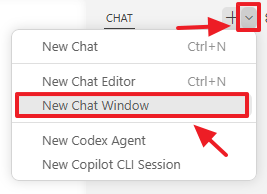
In Visual Studio Code I open a new Chat Window.
I always use a template like the following to first create an .md file, and after editing it, then instruct the AI to write code:
Task: Create a Markdown file and save it in the docs/ directory. The file should contain a detailed,
structured plan for implementing the following features (I will list them after this instruction).
Requirements:
Use clear section headings.
Include Mermaid diagrams to illustrate both system structure and process flows. Do not put \n inside Mermaid node labels
— VS Code's Mermaid renderer doesn't support that. With edge labels like "1. User clicks AI"
— Mermaid's renderer interprets 1. as a markdown numbered list inside the label.
Provide enough detail that a developer could begin implementing the features based on this document alone.
Use Markdown formatting throughout.
Do not include any file‑system commands; simply output the Markdown content.
Output Format: Return only the contents of the .md file, starting with a top‑level # heading.
Features to document:
#1 Add the GuideFlow animated tour (https://miraclefoundation.github.io/GuideFlow/docs/animated-tour)
to the RFPAPP application (https://github.com/BlazorData-Net/RFPAPP).
#2 Implement cookie-based detection to check if the user is running the app for the first time, ensuring the animated
guide is only displayed during this initial visit.
#3 Configure the animated tour to walk the user through all the features of the RFPAPP application step-by-step.
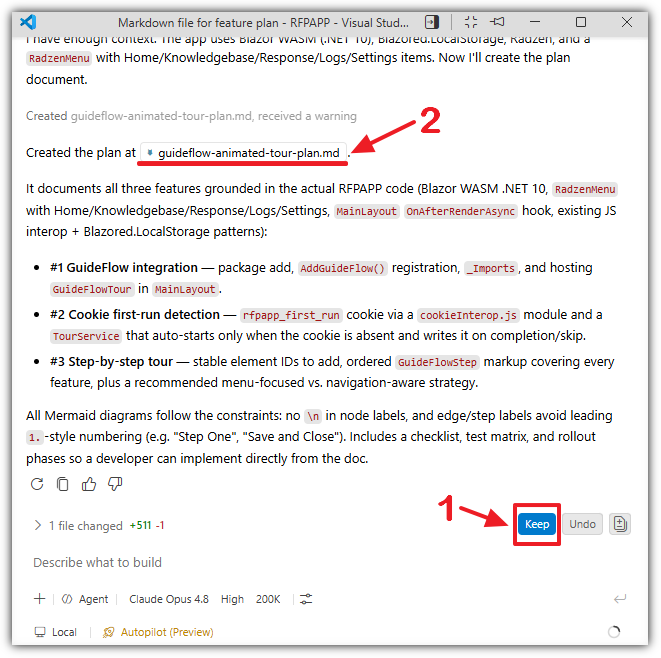
The .md file will be created.
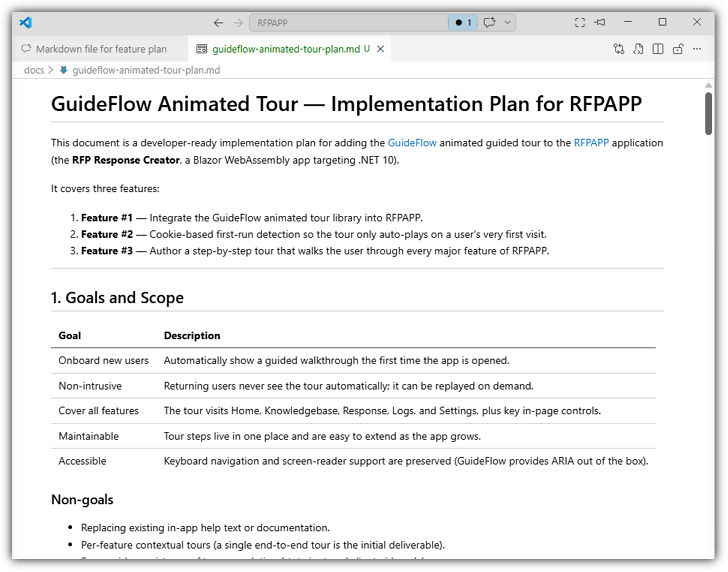
I review the .md file and make changes as needed.
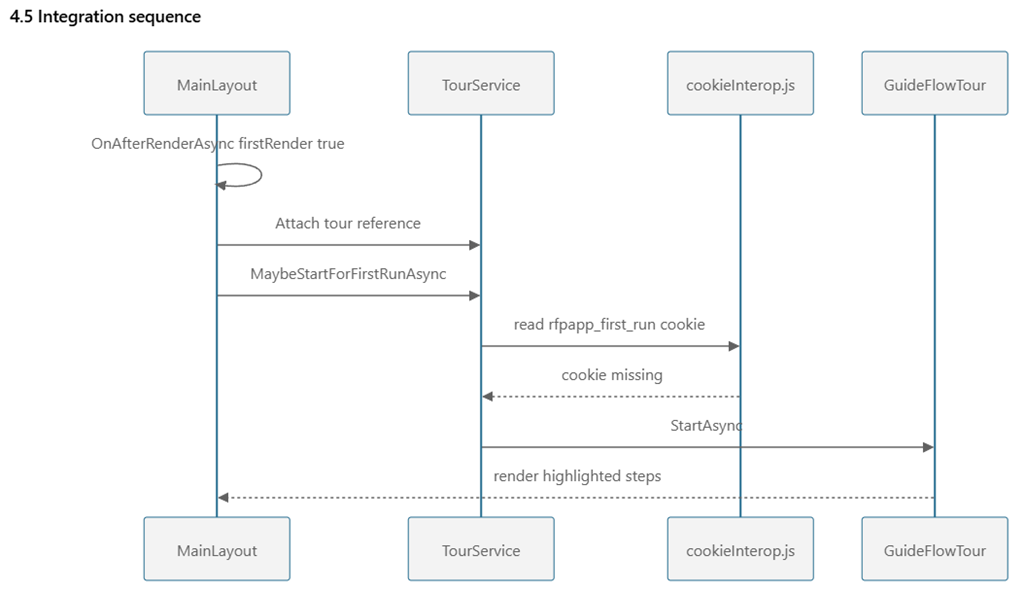
The reason I use my template is that it creates mermaid diagrams that I find really helpful to understand the code about to be written.
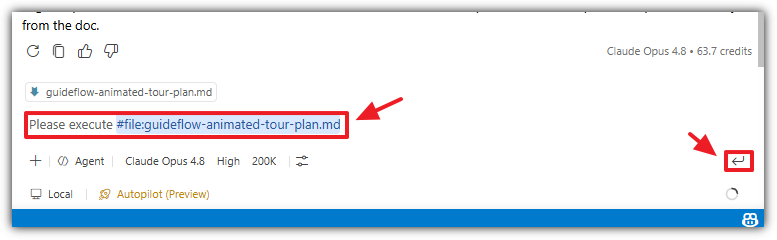
When I’m satisfied I return to the chat window and tell it to execute the plan.
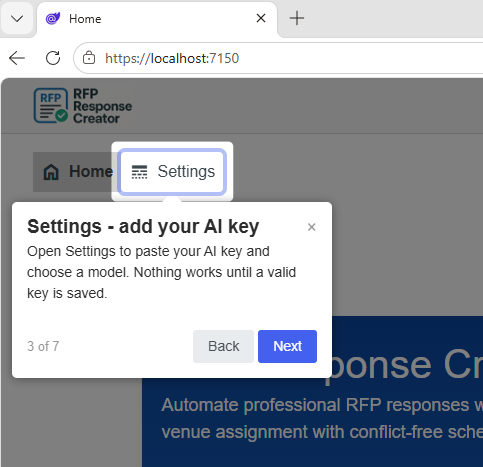
The guide works as expected.
You can see it live at this link: